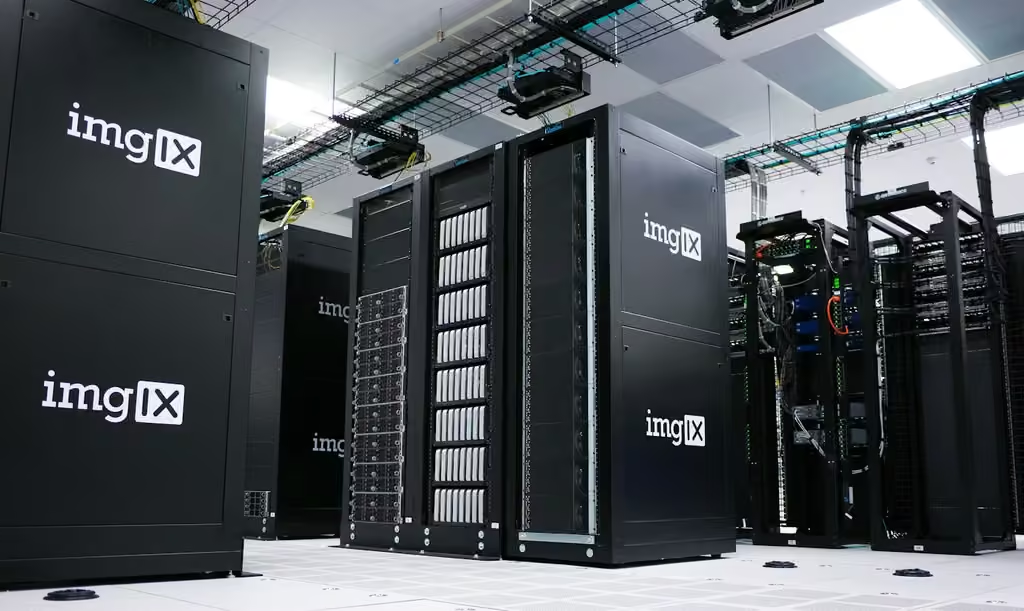
KVM VPS Hosting

Dedicated resources with full root access on KVM virtualization. Simple, transparent pricing — upgrade any time.

Dedicated vCPU & RAM

Resources that are yours alone — never oversold.

Full root access

KVM virtualization with complete OS control.

Instant resize

Scale CPU, RAM or storage up with zero downtime.

Need something custom? Talk to our team about a tailored plan.

Complete Service Guide

KVM VPS hosting with dedicated resources

A virtual private server (VPS) gives you your own slice of a physical server: dedicated vCPU and RAM, your own operating system and full root access. Hostway IT Services VPS plans run on KVM virtualization, so your resources are not shared with the noisy neighbours you find on basic shared hosting.

01

Who should choose a VPS

A VPS is the right step when a shared plan no longer fits: busy WordPress or WooCommerce sites, web applications, APIs, game or chat servers, development and staging environments, or any project that needs custom software, specific versions or background services. It is also a good fit if your site has started to slow down at busy times, because dedicated vCPU and RAM stay available to you.

02

What is included

Plans come with dedicated vCPU and RAM, full root access and KVM virtualization, which gives each server strong isolation. You can scale CPU, RAM or storage up when traffic grows, and resizing is designed to avoid downtime.

Our support team is available 24/7 for infrastructure questions.

03

VPS or shared hosting?

Shared hosting is easier and cheaper because we manage the server for you. A VPS costs more and asks more of you, but you control everything: operating system, web server, databases and security settings. If you are comfortable at a command line, or have a developer on your team, a VPS gives you far more room to grow.

04

Getting started after you order

Log in over SSH, update the operating system and create a non-root user for daily work. Switch to SSH keys, disable password logins, turn on a firewall that allows only the ports you need, and set up automatic security updates. Then install your stack, point your domain at the server’s IP address and enable HTTPS.

With root access, you are responsible for OS-level configuration and security unless your plan says otherwise.

05

Moving an existing site or app

Build the new server first and copy your files and database across. Test on a temporary address or by editing your local hosts file, lower the DNS TTL a day ahead and switch DNS only when the new server passes your checks. Keep the old server running until DNS has fully settled.

Got Questions?

Frequently asked questions

Clear answers about setup, billing, and how our platform works together.

KVM is a virtualization technology that gives each virtual server its own isolated resources and operating system, behaving much like a dedicated machine.

We use cookies to run the site, and, with your permission, to understand traffic and improve marketing. You can change your choice any time from the footer.